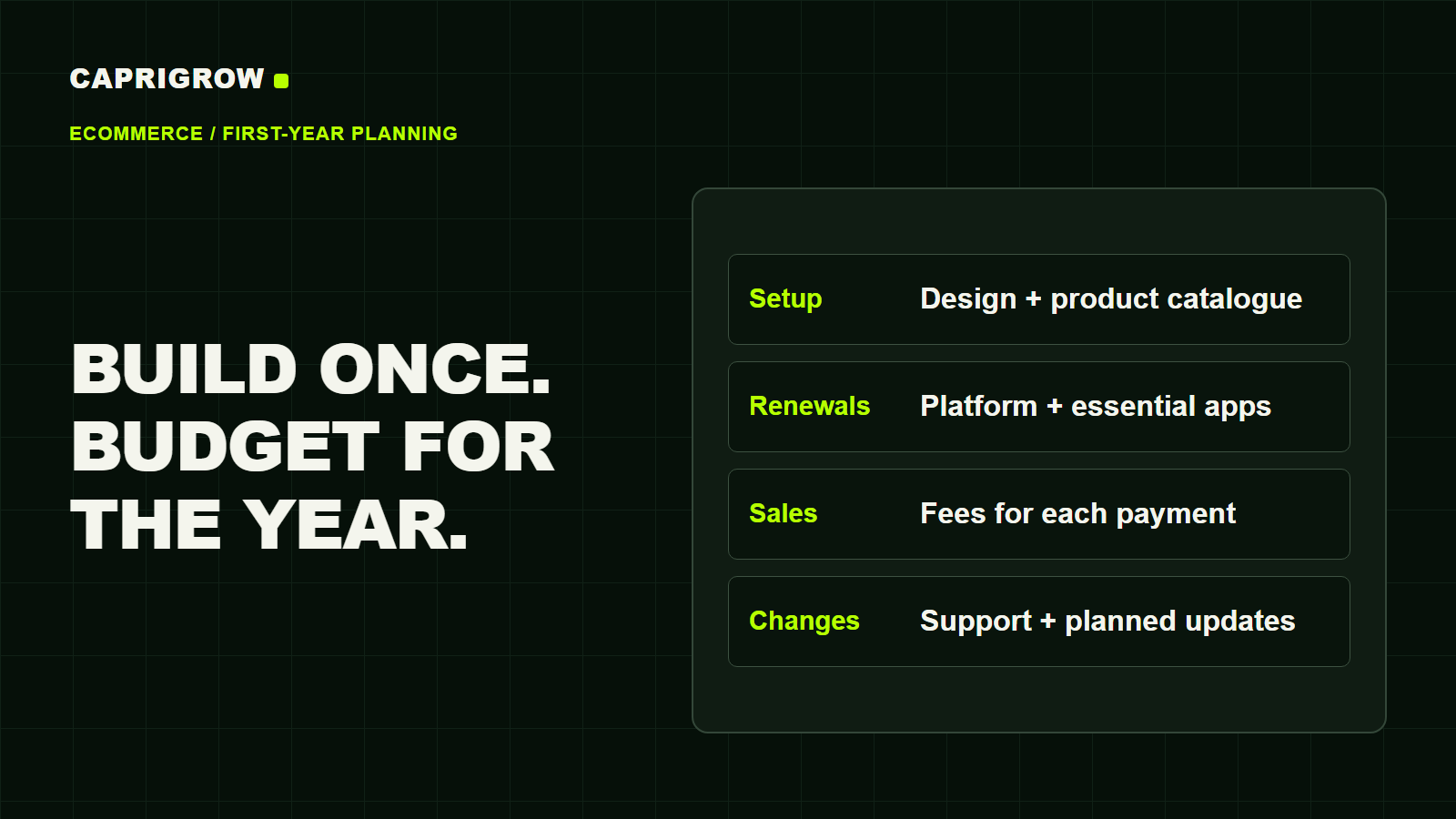
An online store needs more than a design and a checkout. Before comparing quotes, add up the work needed to launch, the services you will renew, and the fees that grow with each sale. That gives you a budget you can use to choose a store you can afford to run.
The short answer
There is no useful single price for an ecommerce website without a defined scope. A shop selling 20 ready-to-ship products is a different project from a catalogue with hundreds of variants, wholesale pricing and stock connected to a physical shop.
Start with this calculation:
First-year website cost = setup + annual running costs + sales-related fees + a reserve for changes.
Keep stock purchases, advertising, packing and delivery in a separate operating budget. Those expenses still matter to your business, but mixing them into a developer's quote makes the website harder to compare.
Separate the opening bill from the running bill
Think of a store build as fitting out a shop. The fit-out gets it ready to trade; rent and operating expenses continue afterward. On a website, the recurring bill may include a platform subscription, hosting, a domain, paid extensions and support.
Use these headings when asking for a quote:
| Cost | What to confirm |
|---|---|
| Design and build | Which page types, layouts and revisions are included? |
| Product setup | Who prepares photographs, descriptions, prices, variants and imports? |
| Payments and delivery | Which payment methods, delivery rules and collection options will be tested? |
| Connections | Does stock, accounting or an existing shop system need to share data? |
| Recurring services | Which subscriptions renew, who owns them and who pays? |
| Handover and maintenance | Who updates products, fixes faults and restores the store if something breaks? |
“Product upload included” is not a complete scope. Ask whether it means 20 products or 200, whether variants count separately, and whether the supplier will edit your source files or only import them.
Platform price is only one part of the budget
Shopify, a hosted commerce platform, currently lists its Singapore Basic plan at S$39 a month on monthly billing, or S$29 a month on yearly billing. That is S$468 or S$348 across 12 months, before any applicable taxes or other charges. These are subscription costs, not a completed-store quotation. Check the billing commitment and live price before purchasing. 1
WooCommerce, the ecommerce software for WordPress, offers its core software free of charge. Hosting, paid extensions and payment processing are separate costs. A free software licence therefore does not make a store free to build or maintain. 2
Ask the person preparing each proposal to put recurring charges on a separate line. Include the renewal amount, billing currency and account owner. An introductory offer should not be the only price in a first-year comparison.
Estimate payment fees using orders as well as revenue
Payment processing fees reduce what you keep from each sale. MDR (merchant discount rate) is the charge for accepting a card payment. Read the percentage and fixed charge together. 7
A percentage fee rises with sales value; a fixed transaction fee rises with the number of payments. Use the same order count and average order amount when comparing providers.
For Singapore standard online domestic-card payments, the published starting points differ: Stripe lists 3.4% + S$0.50, HitPay 2.8% + S$0.50, and Shopify Basic 3.2% + S$0.50. Shop Pay is Shopify's accelerated checkout; its underlying payment processing is through Shopify Payments. 3 4 1 5
Illustrative example: 100 orders at S$50 each produce S$5,000 in sales. Processing-only estimates are S$220 for Stripe, S$190 for HitPay and S$210 for Shopify Basic. These figures exclude platform subscriptions and integration charges.
On Shopify Basic, the calculation changes. HitPay's 0.5% Shopify app surcharge and Shopify's 2% third-party transaction fee bring that same card-payment example to S$315. Compare it with Shopify Payments as the sole card processor at S$210. The plan subscription is separate from both estimates. 6 1
Use the calculator below to change the order pattern and switch between processing-only rates and Shopify Basic. It estimates fees, not lost profit or guaranteed savings. For payment methods, refunds, chargebacks and the different Shopify setups, read Stripe, HitPay or Shopify Payments: a Singapore comparison.
See what payment fees take from your sales.
MDR means merchant discount rate: the fee for accepting a card payment. Compare the percentage and fixed charge paid from each sale. App and platform fees are shown separately when included.
Processing fees only; app, platform and subscription costs are separate. Shopify Payments requires Shopify.
100 orders × S$50 = S$5,000 in monthly sales
Stripe
Processing fee per paid order (MDR)3.4% + S$0.50S$220 processing
+S$30 / month versus the lowest
HitPay
Processing fee per paid order (MDR)2.8% + S$0.50S$190 processing
Lowest fee estimate in this view
Shopify Payments · Basic
Processing fee per paid order (MDR)3.2% + S$0.50S$210 processing
+S$20 / month versus the lowest
Amounts left are after the fees shown, before product costs and other expenses. Billing timing varies. Estimates exclude tax, subscriptions, FX, international/Amex cards, refunds, disputes and negotiated rates. Actual per-payment rounding may differ. Compare the complete checkout cost before switching.
Compare features, refunds and chargebacksPublished Singapore card rates. Check the sources and assumptions below.
Sources and notes
Build a budget you can change
Here is an invented planning example in Singapore dollars. It is not a market average, a client case or a Caprigrow quotation.
| Budget line | Example allowance |
|---|---|
| Store setup and catalogue preparation | S$3,000 |
| Platform or hosting for 12 months | S$480 |
| Domain for the year | S$30 |
| Paid apps or extensions for the year | S$240 |
| Support and small changes | S$600 |
| Reserve for extra work | S$500 |
| Subtotal before payment fees | S$4,850 |
Replace every allowance with an actual quote or current supplier price. Then add a payment-fee estimate using your expected order count and sales value. Keep tax treatment consistent throughout the worksheet and record what each figure excludes.
If the result is too high, reduce the opening scope before removing the work that keeps orders functioning. A wish list, loyalty programme or elaborate animation can wait. A working mobile checkout, accurate delivery charges and a clear order confirmation need to be ready at launch.
A year’s budget, broken down
Illustrative planning worksheet · before payment fees
Select a category to highlight its share.
Compare quotes against the same shopping journey
Give each supplier the same test: a customer finds a product, selects a variant, sees the delivery cost, pays, and receives confirmation. Then ask the supplier to demonstrate how you would change a price, process a refund and update stock.
For an existing store, add a migration checklist: products, images, customer records, redirects from old addresses and the cutover plan. Write down what will be transferred and what you must preserve yourself. “Migration included” deserves the same scrutiny as “product upload included”.
Before agreeing to the build, confirm:
- The product and variant count, required page types and integrations.
- Who supplies and approves the words, images and product data.
- The full first-year bill and the expected renewal bill.
- Ownership of the domain, platform account and paid software.
- The acceptance checks, support period and charge for extra work.
For a broader comparison of website proposals, read our Singapore website-cost study. For the steps before commissioning a build, start with how to start a website.
How this guide was prepared: we checked official Singapore platform and payment-provider pages on 6–7 November 2026. They establish the named providers' published prices, not a representative price for a custom ecommerce build. The worksheet and scope checklist are Caprigrow's planning tools. Prices and service terms can change.
Commercial disclosure: Caprigrow provides website services. The illustrative budget is not an offer, and the platform examples do not establish a universal best choice. Discuss your store requirements.
The shop needs to work from start to finish
- 01Find the product
Choose the right item and variant.
- 02Check delivery
See availability and the delivery charge.
- 03Complete payment
Pay through the agreed payment method.
- 04Receive confirmation
Get the order details and next steps.
Sources and references
Sources and references 7 references
- Shopify.Shopify Singapore pricing. Accessed 7 November 2026. Basic subscription and billing options; excludes a custom build.
- WooCommerce.WooCommerce pricing. Accessed 6 November 2026. Free core software and separate hosting, extension and payment costs.
- Stripe.Singapore pricing and fees. Accessed 7 November 2026. Standard domestic-card processing rate and additional fee categories.
- HitPay.Singapore pricing. Accessed 7 November 2026. Standard online domestic-card rate before integration charges.
- Shopify.Shop Pay. Accessed 7 November 2026. Accelerated checkout and its relationship to Shopify Payments.
- HitPay.Shopify payment gateway for Singapore. Accessed 7 November 2026. Shopify app surcharge.
- Stripe.Credit card processing fees explained. Accessed 7 November 2026. Meaning of merchant discount rate.
Plan your next step.
Check an existing website or talk to Caprigrow about the work you need.