The right platform is the one that fits the work your business will actually do after launch. A beautiful site that nobody can update becomes expensive quickly.
The one-minute answer
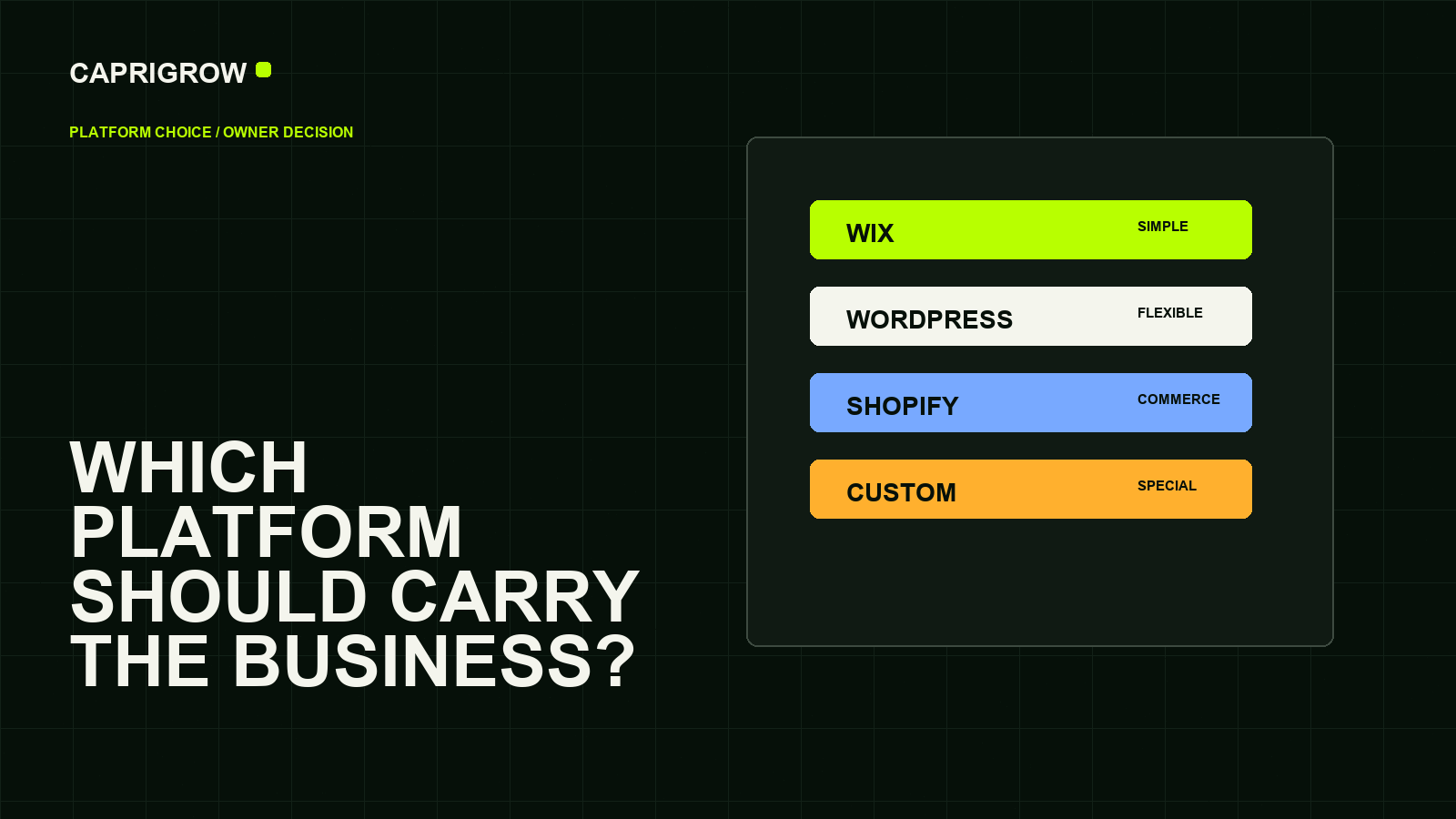
Use Wix when the site is simple, the team wants a guided editor and portability is less important. Use WordPress when content ownership, plugins and future flexibility matter, and someone can maintain the system. Use Shopify when selling products is the main job. Use a custom website when the business model, workflow or performance needs do not fit a general website builder.
A platform is not just where the design sits. It controls how pages are edited, how apps are added, how payments work, how fast changes ship and how painful a future move may be. Google reminds site owners to build for users and help search engines understand the content, regardless of platform.[1]
What each route is good at
Choose by daily work, not trend
Simple editing and managed setup.
Low technical loadFlexible content and plugins.
Maintenance neededCommerce tools at the centre.
Best for sellingWix is a hosted website builder. In ordinary terms, it gives you the land, building tools, templates and many business add-ons in one managed place. Its own help material describes free hosting, templates, apps, domains and business-management tools inside one account.[2]
WordPress is the flexible publishing route. The business owns a website system that can publish pages, posts, media and many types of content. It can be powerful, but power brings maintenance: updates, plugins, hosting quality, backups and access control matter.
Shopify is strongest when the website is a shop first. Product pages, checkout, inventory, payments, order management and commerce integrations are the centre of the system. Shopify positions itself around commerce infrastructure, not merely page design.[3]
A custom website is best when the public site must connect to unusual workflows, heavy content structures, special motion, private systems or performance requirements. The tradeoff is that edits, hosting and handover must be clearly specified.
A simple decision table
| Need | Usually fits | Watch out for |
|---|---|---|
| Simple service website | Wix or managed WordPress | Template sameness, unclear ownership, weak content. |
| Regular articles or resources | WordPress or custom CMS | Maintenance and editor permissions. |
| Online store | Shopify or WooCommerce | Payment fees, product data, fulfilment and returns. |
| Long-term custom workflows | Custom build | Supplier lock-in if source, hosting and docs are not handed over. |
Do not ask, “Which platform is best?” Ask, “Which platform makes our next two years easier?”
Example: a clinic, a store and a consultancy
A dental clinic that needs service pages, team profiles, location information and appointment enquiries can use a managed WordPress or custom service site. The priority is trust, local search and fast enquiry handling, not product inventory.
A homeware store with hundreds of products should usually begin from commerce needs. Shopify or WooCommerce can both work, but the decision depends on product complexity, payment needs, ownership preferences and who will maintain the store.
A consultancy publishing monthly guides may care more about editorial workflow, search structure and reusable page templates. A system that makes publishing easy is worth more than a visual editor that only looks good on launch day.
Questions to ask before choosing
- Who owns the domain, hosting, source files and admin account?
- Can staff edit normal pages without breaking the layout?
- Can the site move later if the supplier changes?
- What happens when a plugin, app or theme needs updating?
- Does the platform support the customer action: enquiry, booking, purchase or download?
- Does the quote include accessibility, metadata, analytics and post-launch care?
The platform is the house system. The design is the interior. Choose the system before arguing about colours.
What to inspect before committing
Ask the supplier to show the editing screen, not just the public design. Can a non-technical staff member change opening hours, add a service, replace a photo and publish a short update without calling a developer? If the answer is no, the site may still be right, but the operating cost has to be honest.
Also ask what happens if the business changes direction. A platform that is easy on day one can become restrictive when you need multilingual pages, unusual filtering, custom booking flows, account areas or deeper analytics. A flexible platform can become messy if nobody owns updates. Neither problem is solved by a nicer homepage mockup.
Pick the route that makes the next 24 months of normal work easier: publishing, selling, measuring, maintaining and handing over.
References and method
This guide was prepared from the sources below on 14 September 2026. Product interfaces, platform plans and search displays can change, so verify the current source before making a purchase or compliance decision.
- Google Search Central: SEO Starter Guide. General search guidance applies regardless of platform. ←
- Wix Help Center: Building a Website for Free. Wix-hosted builder features and account model. ←
- Shopify: Commerce platform. Shopify positioning around commerce infrastructure. ←
- WordPress.org: Documentation. WordPress publishing and site-management documentation. ←
- WooCommerce: WordPress ecommerce platform. WooCommerce as a WordPress commerce route. ←