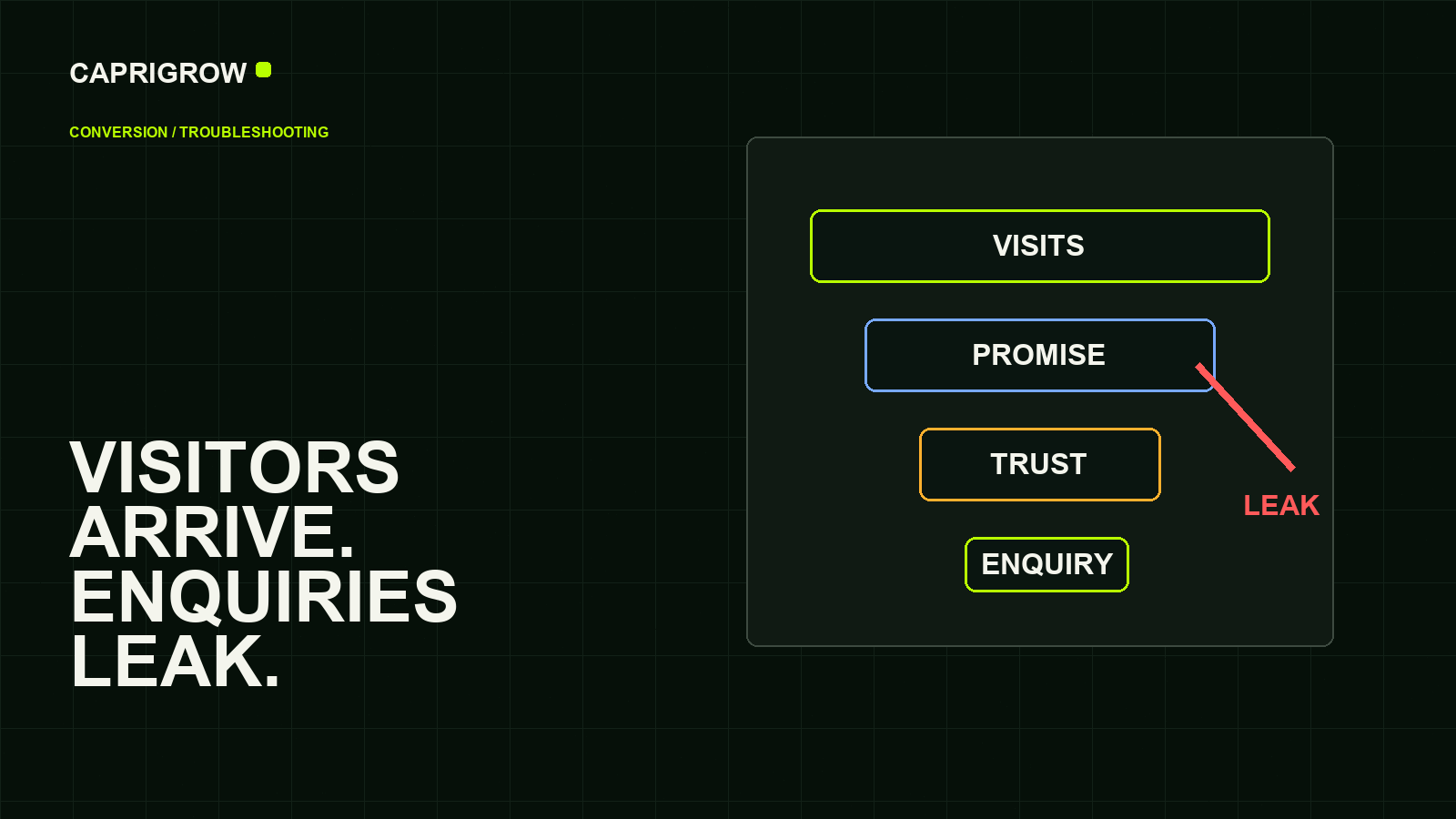
When visitors do not become enquiries, the problem may be the audience, the message, the page, the form or the follow-up.
Most enquiry leaks happen in five places
Traffic leaks when the next step is unclear or broken
- Arrives with a need
- Reads the promise
- Looks for proof
- Completes the action
The visitor may be the wrong person. The page may answer the wrong question. The offer may be unclear. The next step may feel risky. Or the form may quietly fail on a phone.
Google Analytics 4 uses events to measure useful actions, including recommended events for lead generation and online sales.[1] That means the owner can separate “people arrived” from “people did something useful.”
Start with the visitor’s promise
Search traffic can arrive from people at different stages. Some are comparing prices. Some want a phone number. Some are learning what a service means. A page that ranks for an informational question may not convert like a page built for an urgent purchase.
Search Console can show queries, impressions and clicks for pages.[2] Compare those queries with the page promise. If people search “how much does dental cleaning cost” and land on a vague “quality care” page, the content mismatch is obvious.
Fix the page before blaming advertising
- Say exactly who the service is for.
- Show the useful next step near the top and again after proof.
- Use ordinary words for the problem customers feel.
- Put price guidance, timing or process on the page when buyers need it.
- Show trust: location, team, proof, reviews, policies and clear contact routes.
- Test forms and phone links on real mobile devices.
Accessibility matters too. If a person cannot read, tap, focus or complete the form comfortably, the page is losing business. WCAG is the international standard for web accessibility.[3]
Measure the action, not just the visit
Set up events for form submits, phone taps, WhatsApp clicks, booking starts, checkout starts and completed enquiries. Tag Manager can help manage tags through an interface after the snippets are installed.[4]
A small business does not need a huge analytics dashboard. It needs a weekly view of pages that attract visitors, actions that happen, forms that fail and enquiries that become customers.
Example: a service page with 400 visits and 2 enquiries
The first check is not “make the button brighter.” Look at the search queries, landing page copy, device split, form test, phone tap count and follow-up time. If most visits are from beginner research queries, create a guide and link to a booking page. If mobile users reach the form but stop, repair the form. If enquiries arrive but nobody responds for two days, the website may be doing its job and the business process is leaking.
A useful troubleshooting order
Check the issue in this order: search intent, page promise, trust proof, form function and follow-up speed. If the page attracts research visitors, a hard sales form may feel too early. If the page attracts ready buyers, hiding the phone number or asking too many form questions creates friction. If enquiries arrive but are answered slowly, the website is not the only weak point.
Use one real test every week. Search for the service, open the page on a phone, read the first screen, tap the main action and confirm that the enquiry reaches the right inbox. This simple test often finds broken mail routing, unclear copy, poor button placement or forms that fail only on mobile.
Do not ask whether the website is “working.” Ask which step between visitor and enquiry is leaking.
References and method
This guide was prepared from the sources below on 14 September 2026. Product interfaces, platform plans and search displays can change, so verify the current source before making a purchase or compliance decision.
- Google Analytics Help: Recommended events. Lead and ecommerce event examples. ←
- Google Search Console: About Search Console. Query, click and issue reporting. ←
- W3C: WCAG 2.2. Accessibility standard. ←
- Google Tag Manager Help: Introduction to Tag Manager. Tag management basics. ←
- web.dev: Web Vitals. User-centred performance metrics. ←