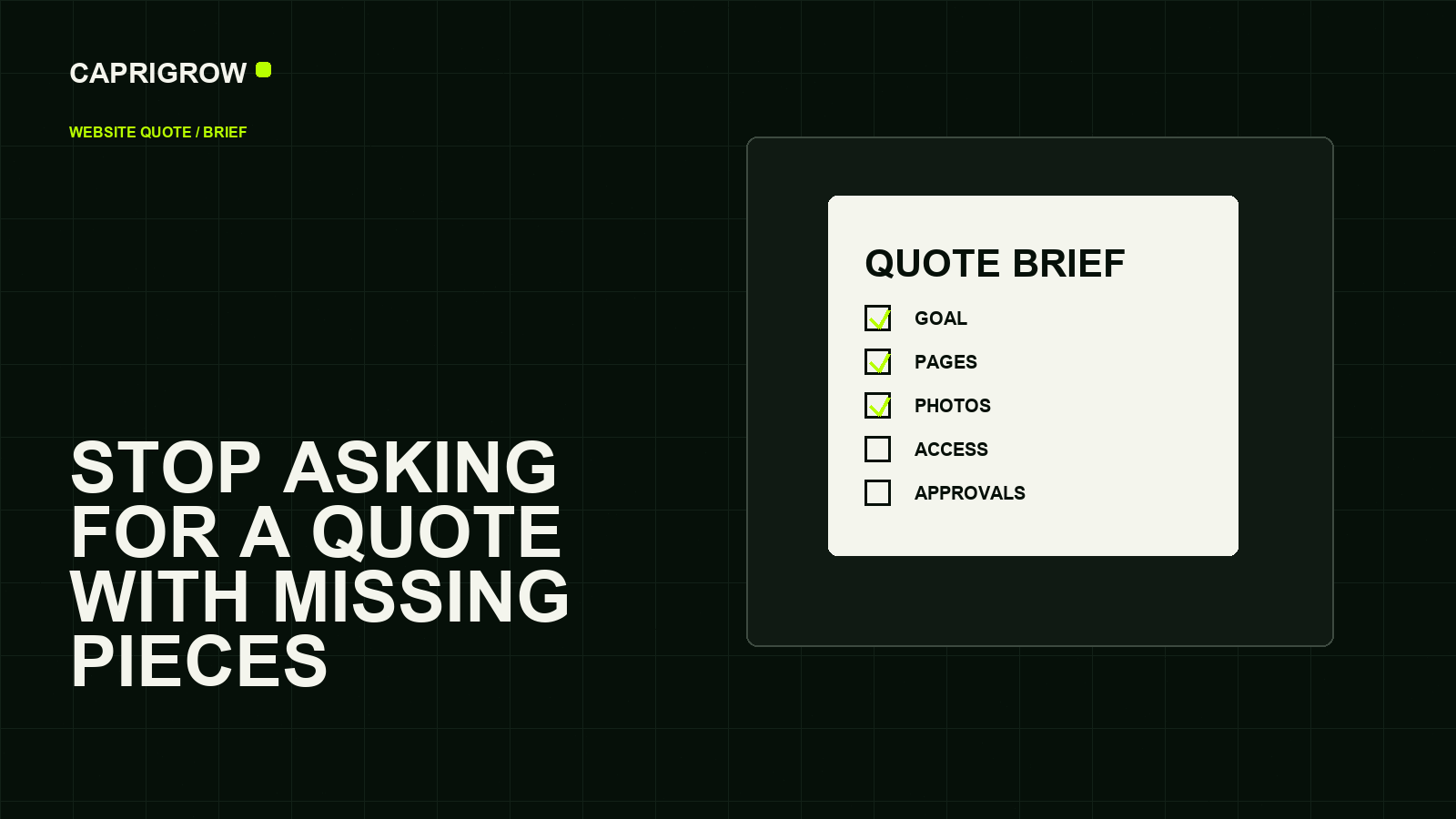
The clearest quote usually comes from the clearest business decision, not the longest design mood board.
The one-page brief
Suppliers price decisions more fairly than guesses
What should visitors do?
What must be said and shown?
What has to connect?
Who signs off and owns access?
Write one page that says what the business does, who the website is for, what visitors should do, which pages are needed, which services or products matter most and who approves decisions.
Search engines and customers both need understandable content. Google’s SEO Starter Guide frames SEO around helping search engines understand content and helping users decide whether to visit.[1] That starts before writing begins.
Decisions to make before the quote
- Primary action: call, WhatsApp, form, book, buy or download.
- Core services and which ones deserve separate pages.
- Areas served, opening hours and contact routes.
- Required languages and tone.
- Who can approve copy, design, domain changes and launch.
- What must not be promised publicly.
If the business cannot decide these, the supplier will either delay the job or make assumptions.
Materials to collect
Collect logo files, brand colours if approved, real photos, team names, service explanations, price guidance, past brochures, testimonials with permission, policies, domain access and existing analytics access.
For forms and customer data, Singapore’s PDPC guidance for SME websites is relevant because personal data collection, security and supplier arrangements should be considered during website development.[2]
Questions that change the price
A five-page brochure site, a booking site, a product catalogue and an online store are not the same job. Ask whether the quote includes copywriting, image sourcing, accessibility checks, metadata, analytics, form testing, redirects, Search Console setup, training and post-launch fixes.
If the current site is being replaced, plan redirects and indexing checks. Google’s crawling and indexing documentation explains tools such as sitemaps, robots rules and URL structure that affect how pages are found.[3]
What makes quotes hard to compare
Two quotes can both say “five-page website” and still describe different jobs. One may include strategy, copy, photo sourcing, mobile testing, redirects, analytics and post-launch changes. Another may include only a template setup. The business owner should ask suppliers to separate page count, writing, design, development, integrations, testing, launch support and ongoing care.
Prepare a short list of non-negotiables before pricing begins. For example: the business owns the domain, the site must work on mobile, enquiries must go to a named inbox, Search Console must be connected, old URLs must be redirected and every important change needs approval. Clear boundaries help fair suppliers price properly and reveal vague quotes quickly.
Compare deliverables and responsibility, not just the final dollar number.
References and method
This guide was prepared from the sources below on 14 September 2026. Product interfaces, platform plans and search displays can change, so verify the current source before making a purchase or compliance decision.
- Google Search Central: SEO Starter Guide. User and search content basics. ←
- PDPC Singapore: Guide on Building Websites for SMEs. Website data-protection considerations. ←
- Google Search Central: Crawling and indexing overview. Migration and discovery topics. ←
- W3C: WCAG 2.2. Accessibility expectations. ←
- ICANN: gTLD domain life cycle. Domain ownership and renewal risk. ←