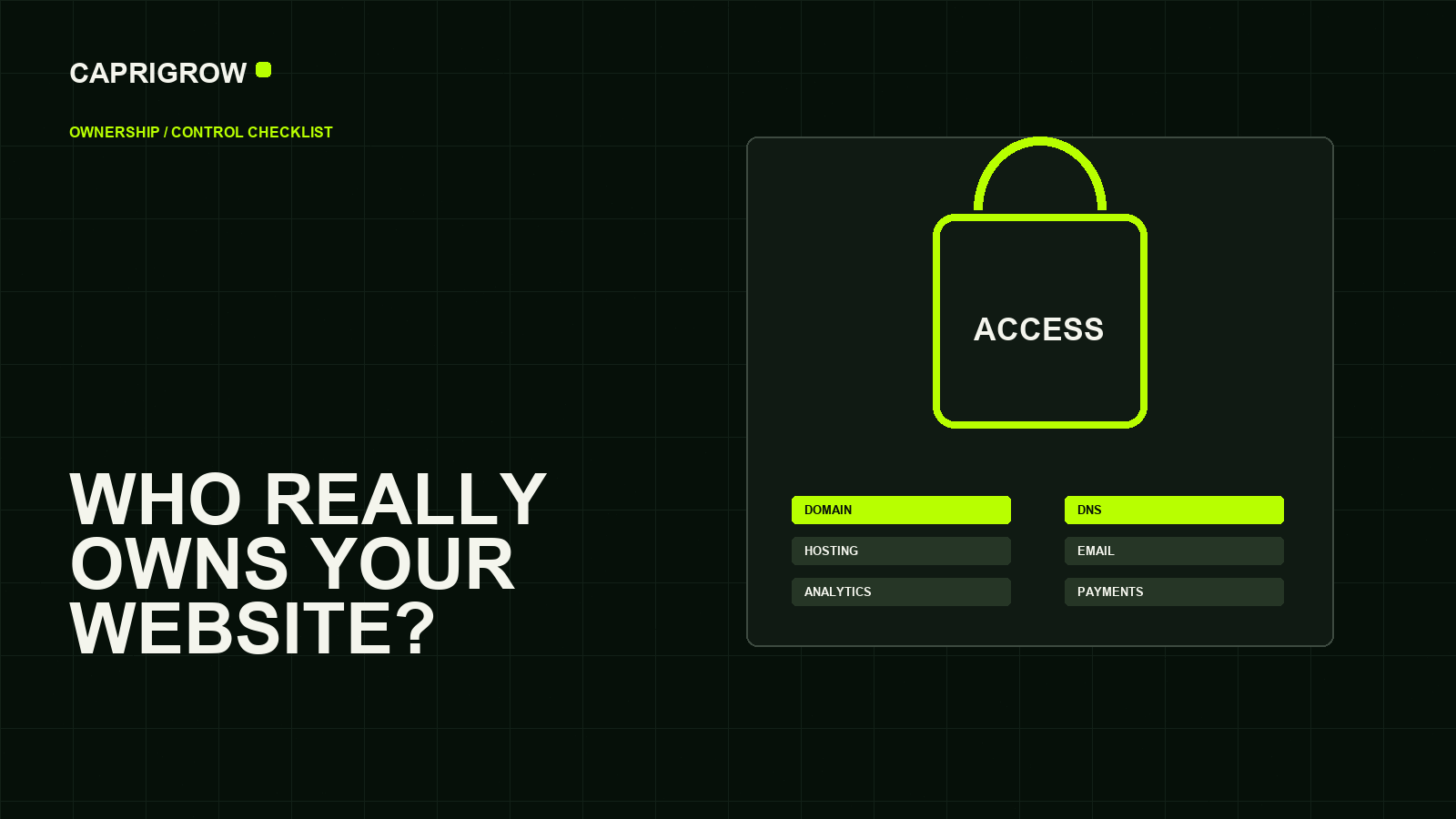
The business should control the keys to the website, even when a supplier manages the work.
The ownership map
The public website depends on private keys
Controls where customers go.
Stores and serves the site.
Receives enquiries and measures demand.
Must stay under business control.
At minimum, a business should know who controls the domain name, DNS records, hosting, website administrator account, source files, email, analytics, advertising accounts, payment accounts and recovery contacts.
The domain is especially important because it is the public address. If it expires, changes owner or points to the wrong place, customers may not reach the website even if the design still exists. ICANN publishes a typical life cycle for generic top-level domains, including expiration and deletion stages.[1]
The accounts that should not disappear with a supplier
The registrar controls the domain registration. DNS controls where the address points. Hosting or the website platform stores and serves the site. Email may be tied to the domain but managed somewhere else. Analytics, tags and ad accounts collect business data and should not sit inside a former supplier account.
Search Console is also a business asset because it shows how Google sees the site and reports indexing or search issues.[2] Google Tag Manager can manage analytics and marketing tags from a web interface, which is useful only when account access is clean.[3]
Warning signs
- The invoice says “website package” but does not name the domain registrar or hosting account.
- Only the vendor receives renewal reminders.
- The business has no administrator login.
- Analytics reports arrive as screenshots, but the business cannot enter the account.
- Email, website and payment access all depend on one person.
None of these means the supplier is dishonest. It does mean the operating model is fragile.
What a handover pack should include
A useful handover pack lists the service, owner, login method, billing owner, recovery email, two-factor authentication owner, supplier role and renewal date. It should include where source files, brand assets, copy, images, licenses and documentation live.
Do not put passwords into the handover document. Use a password manager or approved secure channel. The document should tell an authorised person where to recover access, not expose secrets.
Owner checklist before launch
- Business owns or can recover the domain.
- DNS provider and nameservers are documented.
- Hosting or platform billing is visible.
- At least two approved people can recover critical accounts.
- Analytics, ads, Search Console and tag accounts belong to the business.
- Supplier access can be removed without breaking the site.
A website launch is not complete until the business can prove it can keep the site alive.
How to audit ownership in one afternoon
Start with the domain. Search the registrar invoice, ask who receives renewal notices and confirm the recovery email. Then trace DNS, hosting, website admin, email, analytics, advertising, payment provider and form destination. The important question is not “do we have a login?” It is “can the business recover this account if the current supplier or staff member disappears?”
For each account, write down the business owner, supplier role, billing owner, renewal date and emergency contact. Remove personal emails where a business-owned account should exist. If a supplier needs access, invite them with an appropriate role instead of handing over the only administrator account.
A business does not fully own the website experience if it cannot renew the domain, receive enquiries, see analytics or remove supplier access.
References and method
This guide was prepared from the sources below on 14 September 2026. Product interfaces, platform plans and search displays can change, so verify the current source before making a purchase or compliance decision.
- ICANN: Life Cycle of a Typical gTLD Domain Name. Domain expiration and life-cycle risk. ←
- Google Search Console: About Search Console. Search Console reports how Google sees pages. ←
- Google Tag Manager Help: Introduction to Tag Manager. Tag Manager account purpose. ←
- Google Search Central: Robots meta tags. Website settings may affect indexing. ←
- PDPC Singapore: Guide on Building Websites for SMEs. Supplier and website-operation considerations. ←