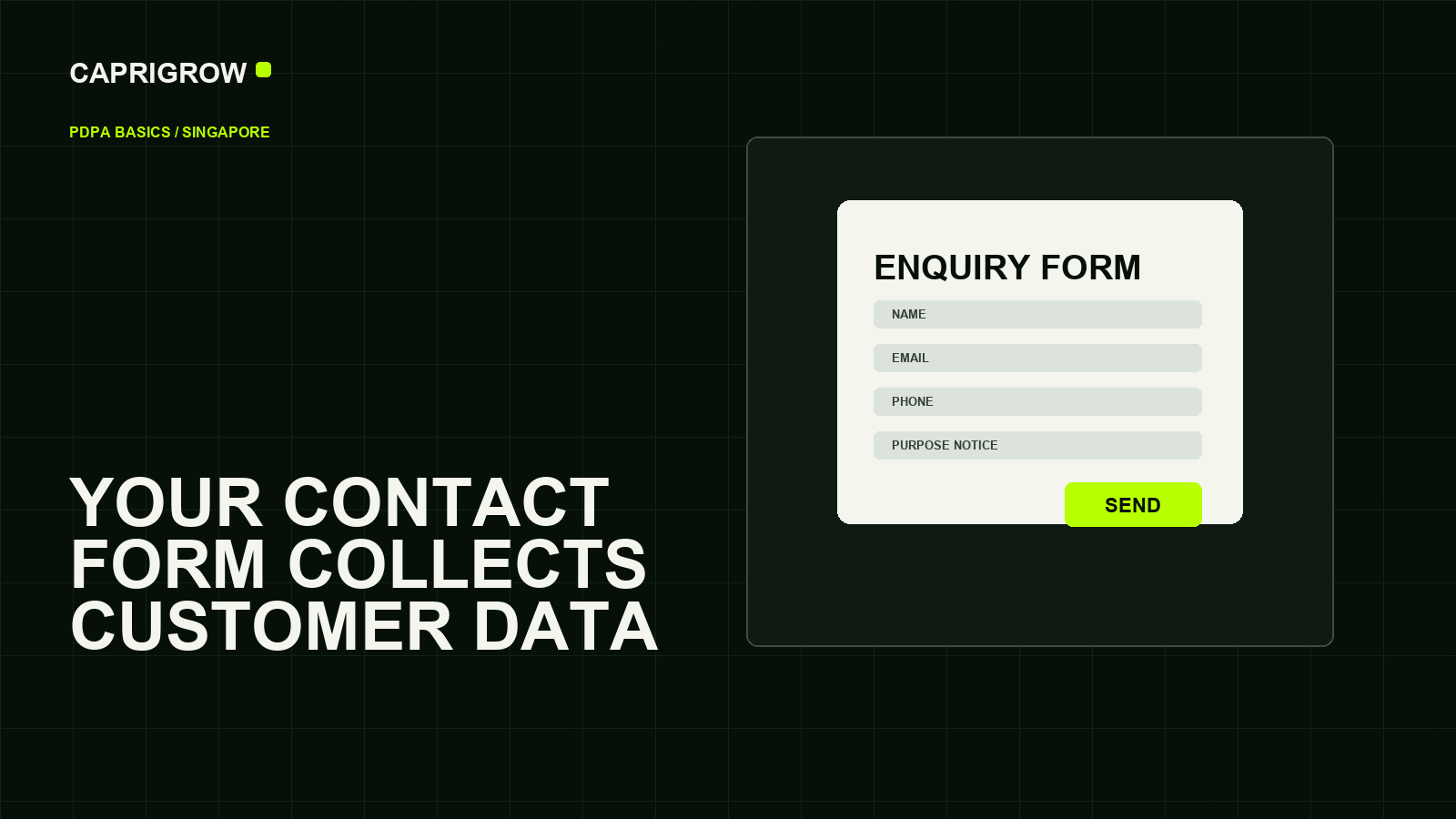
Names, phone numbers, emails, appointment notes and uploaded files are not just form fields. They are customer information the business must handle responsibly.
A form collects more than a message
Every field needs a purpose and a safe destination
Ask only what the business needs.
Tell people why the data is needed.
Know where submissions go.
Remove access when it is no longer needed.
An enquiry form may collect name, email, phone number, message content, service interest, appointment date, files, IP address and technical logs. Singapore’s PDPA recognises both the need to protect personal data and the legitimate need of organisations to use it.[1]
The business owner’s practical job is to collect only what is needed, say why it is needed and protect where it goes.
What the form should make clear
- What information is being requested.
- Why the business needs it.
- How the business may reply.
- Whether the message goes to a supplier system.
- Where the privacy policy can be read.
- How someone can contact the business about personal data.
The PDPA itself governs collection, use and disclosure of personal data by organisations in Singapore.[2] A privacy page should be understandable, not copied blindly.
Trace where the data goes
Follow the form submission. Does it enter email, a CRM, a spreadsheet, a booking tool, a payment provider or a supplier inbox? Who can see it? How long is it kept? Can access be removed when someone leaves?
PDPC’s SME website guide specifically raises website development considerations around protecting electronic personal data, outsourcing and maintenance.[3]
Questions to ask website suppliers
Ask where form data is stored, whether submissions are encrypted in transit, who receives notifications, whether spam protection collects extra information, how backups handle submissions and what happens if a customer asks for correction or deletion.
For many small sites, the first improvement is simple: remove unnecessary fields, write a clear privacy sentence near the form, test delivery and keep customer data out of casual shared inboxes.
A safer form review
Open every form on the website and ask whether each field is needed. A newsletter form may need only an email address. A consultation form may need contact details and a short message. A clinic, finance, education or employment form may collect more sensitive information and should be reviewed more carefully.
Then trace the route after submission. Does the data go into email, a CRM, a spreadsheet, a booking system or a supplier dashboard? Are old staff still receiving submissions? Are files stored longer than needed? Is there a privacy page written in plain language? The review should end with fewer unnecessary fields, clearer purpose language and better access control.
A customer should understand why the business is asking for information before pressing submit.
References and method
This guide was prepared from the sources below on 14 September 2026. Product interfaces, platform plans and search displays can change, so verify the current source before making a purchase or compliance decision.
- PDPC Singapore: PDPA overview. PDPA purpose and baseline. ←
- Singapore Statutes Online: Personal Data Protection Act 2012. Statutory basis. ←
- PDPC Singapore: Guide on Building Websites for SMEs. Website data handling. ←
- Google Tag Manager Help: Data privacy and security. Tag and privacy help topics. ←
- W3C: WCAG 2.2. Forms must remain accessible. ←