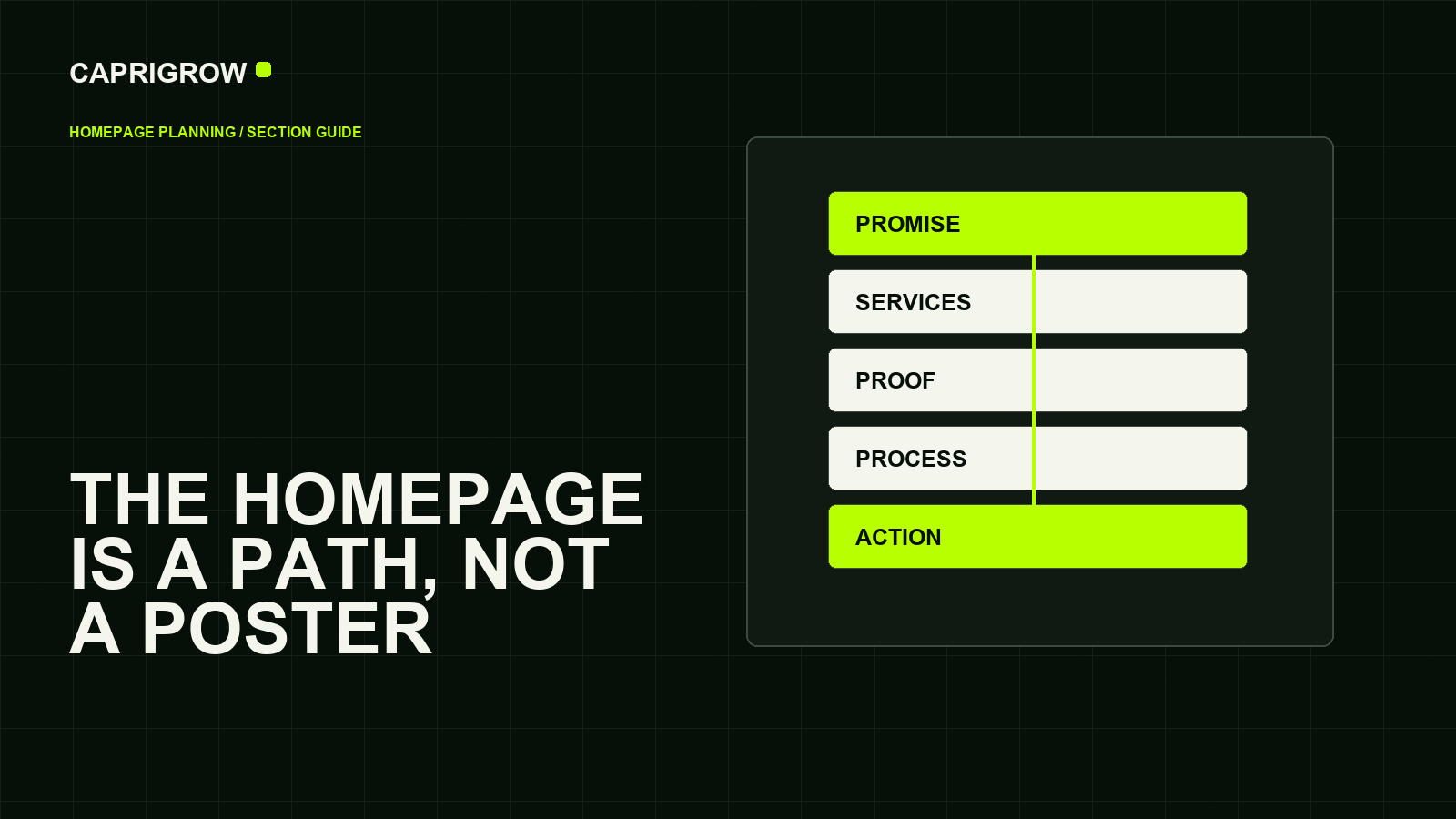
The homepage is not a poster. It is a guided path from “Am I in the right place?” to “I know what to do next.”
The useful homepage shape
Promise, proof, choice, action
Plain offer and next action.
Help visitors self-select.
Reduce risk and uncertainty.
Make the next step easy.
Most business homepages need a clear promise, who it is for, the main services, proof, process, common questions and a direct action. The visitor should not need to decode clever language to understand what the business does.
Google’s SEO Starter Guide says SEO is about helping search engines understand content and helping users find and decide whether to visit.[1] That is a useful homepage test.
The first screen should answer three things
What do you do? Who is it for? What can I do next? A dental clinic might say it provides family dental care in a named neighbourhood and offer appointment booking. A renovation firm might show the type of home and project it handles, then invite an enquiry.
Avoid headlines that sound impressive but hide the service. The visitor should understand the offer within seconds.
Proof belongs close to the promise
Proof can be work examples, reviews, certifications, locations served, process clarity, before-and-after examples, transparent pricing guidance or named source material. Local businesses should keep public business details consistent with their Google Business Profile and website.
Google’s local ranking guidance discusses relevance, distance and prominence for local results.[2] A homepage cannot control distance, but it can improve relevance and proof.
A section-by-section starter plan
- OpeningPlain promise, audience and next action.
- ServicesShow the main choices without overloading.
- ProofReal work, reviews, credentials or evidence.
- ProcessWhat happens after the visitor contacts you.
- ObjectionsPrice, timing, location, warranty or FAQs.
- ActionRepeat the next step in a calm way.
Make buttons describe the action. “Book a consultation” is stronger than “Learn more” when the visitor is ready.
Common homepage mistakes
- Opening with a slogan instead of the service.
- Showing everything the business does with no priority.
- Using stock images that do not match the actual business.
- Hiding contact information.
- Forgetting mobile readers.
- Adding motion that distracts from the action.
A good homepage feels obvious after it is built. Getting there takes careful selection.
How to review a homepage in ten minutes
Cover the logo and ask a stranger what the business does from the first screen alone. If they cannot answer, the hero section is too vague. Then scroll and ask whether the page proves the claim, explains the services, answers obvious objections and gives a clear next step.
Every homepage section should earn its place. A large image should reveal the product, place, work or customer outcome. A process section should reduce uncertainty. A proof section should make the business more believable. A FAQ should answer real sales questions. The final action should match the visitor’s readiness: call, book, enquire, compare, visit or buy.
The visitor should understand the offer quickly and feel less risk with each section they read.
References and method
This guide was prepared from the sources below on 14 September 2026. Product interfaces, platform plans and search displays can change, so verify the current source before making a purchase or compliance decision.
- Google Search Central: SEO Starter Guide. Useful content for users and search. ←
- Google Business Profile Help: Local ranking guidance. Relevance, distance and prominence. ←
- Google Search Central: Local Business structured data. Business information markup. ←
- W3C: WCAG 2.2. Accessible page content. ←
- web.dev: Web Vitals. Page experience basics. ←