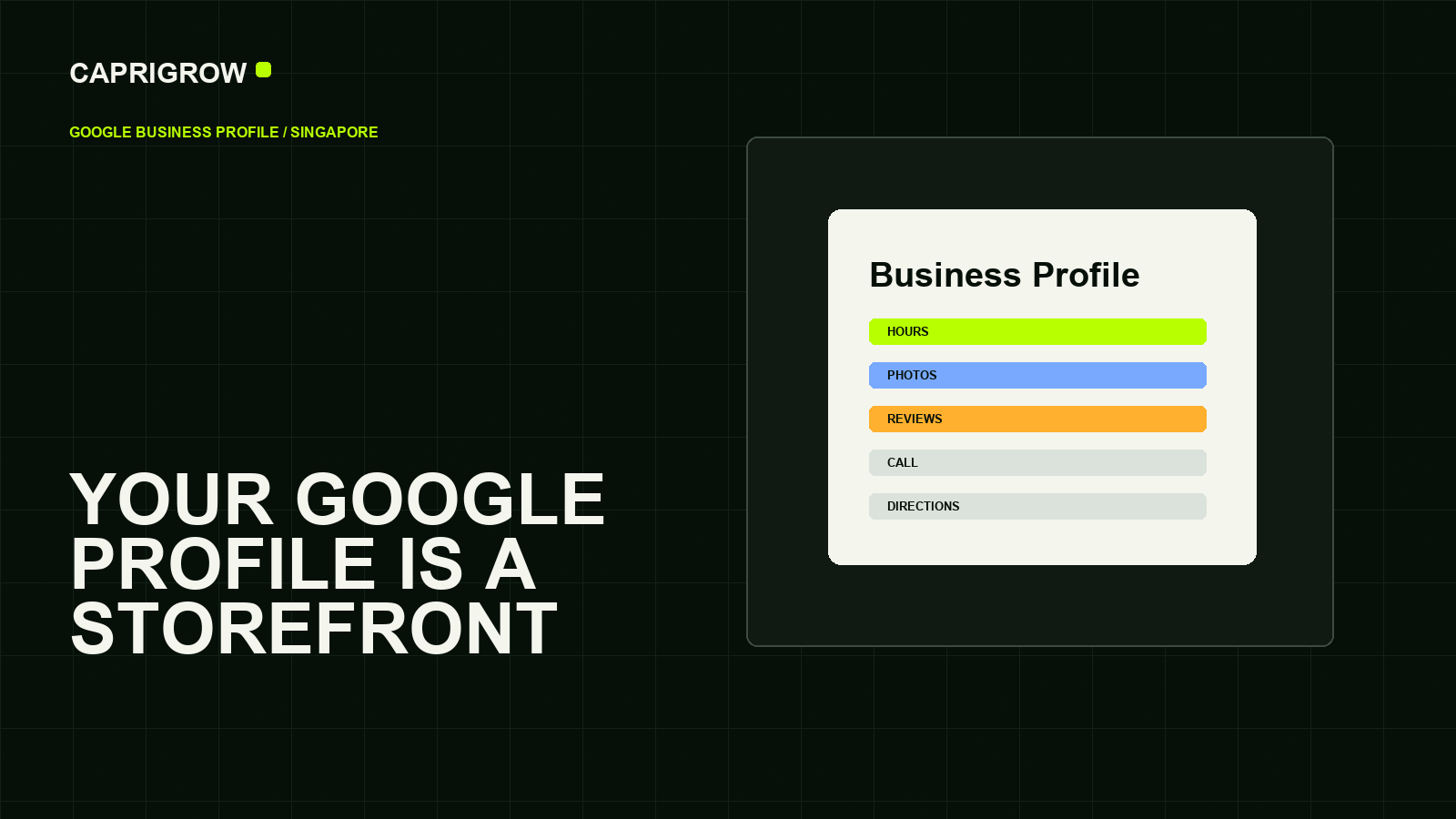
A complete profile helps customers confirm what you do, where you are, when you are open and whether they trust you enough to contact you.
The profile should answer five questions fast
Complete details create fewer customer doubts
Help the profile match the search.
Show that the business is real and active.
Reduce wrong trips and wrong calls.
Give a working next step.
What do you do? Where are you? Are you open now? Can I trust you? What should I do next? Google describes Business Profile as a free profile for how a business appears on Search and Maps.[1]
For a Singapore SME, incomplete hours, old photos, wrong services or a dead appointment link can cost trust before the person ever reaches the website.
What Google publicly says about local ranking
Google’s own help page describes local results as mainly based on relevance, distance and prominence.[2] Relevance means the profile matches the search. Distance depends on the searcher and location. Prominence is about how well-known the business appears to be, including signals such as links and reviews.
This is why the owner’s job is not to “hack Maps.” The job is to keep the business information complete, accurate and consistent.
Make the profile and website agree
The website should repeat the same business name, services, location, contact routes and opening details. If the profile promises emergency support but the website has no emergency page or phone route, the customer experience breaks.
Local Business structured data can help describe business details to search engines when the visible page already contains those details.[3] Structured data is not a substitute for a complete public page.
Monthly profile routine
- Check hours, holiday hours and phone number.
- Review primary and secondary categories.
- Add current photos that show the real place, team or work.
- Respond to reviews professionally.
- Test appointment, menu, product or enquiry links.
- Compare profile enquiries with website enquiries.
For most local businesses, the best profile work is boring in the right way: accurate, current and helpful.
What to align with the website
Your profile and website should tell the same story. The business name, category, address, phone number, opening hours, services, appointment routes and photos should not contradict one another. If the profile lists services that the website never explains, visitors may hesitate. If the website shows a service that the profile hides, nearby searchers may never see it.
Photos should prove the business is active: storefront, team, rooms, work examples, menu, products or equipment, depending on the industry. Reviews should be answered in a calm voice. Service descriptions should use words customers actually search for, but they should not become keyword stuffing.
A strong profile reduces uncertainty before the visitor clicks. It should feel current, specific and connected to the real business.
References and method
This guide was prepared from the sources below on 14 September 2026. Product interfaces, platform plans and search displays can change, so verify the current source before making a purchase or compliance decision.
- Google Business Profile: Get listed on Google. Business Profile purpose. ←
- Google Business Profile Help: Tips to improve your local ranking on Google. Relevance, distance and prominence. ←
- Google Search Central: Local Business structured data. Structured business details. ←
- Google Search Central: SEO Starter Guide. Helpful public page guidance. ←
- Google Search Console: About Search Console. Search monitoring. ←