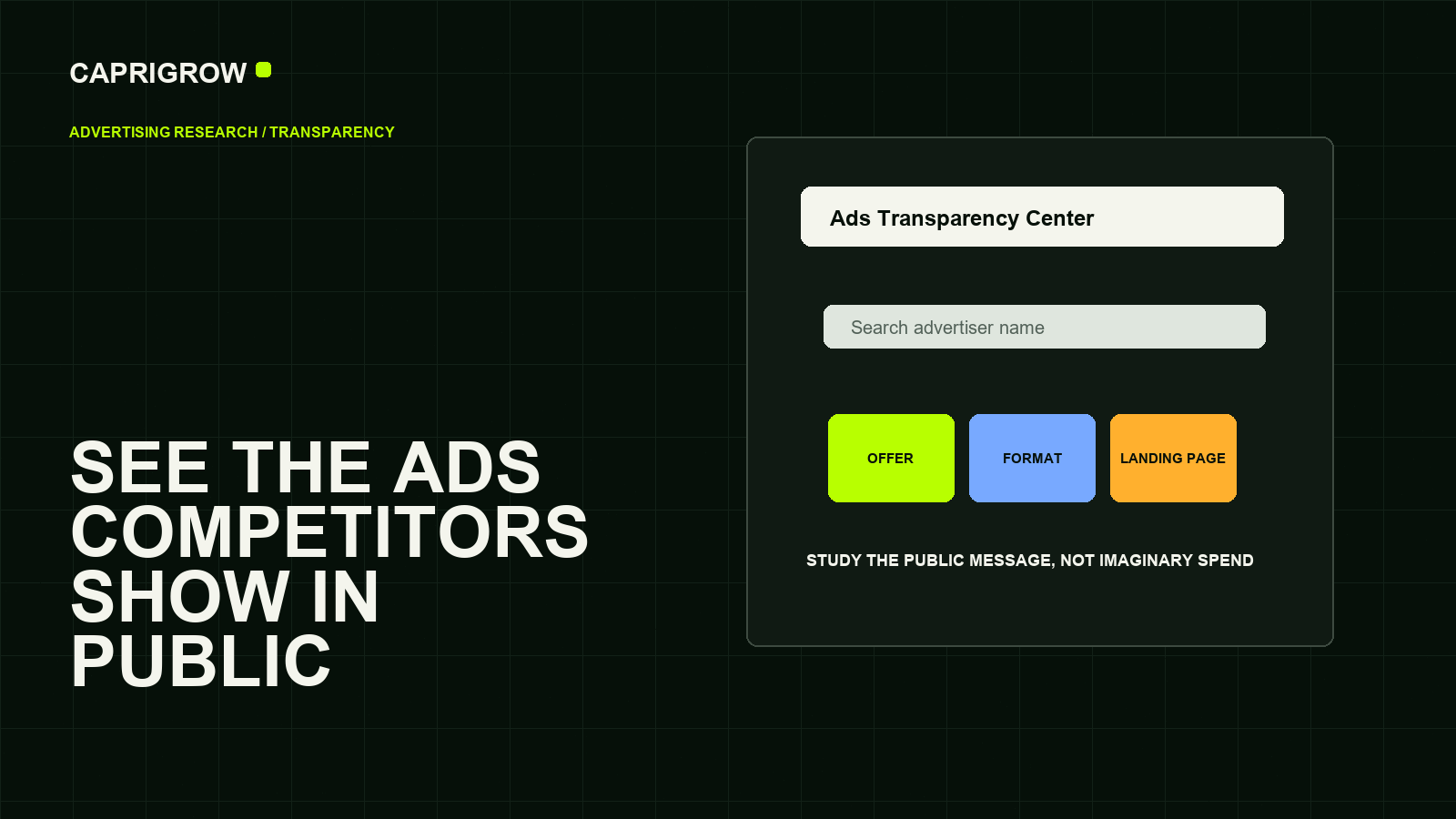
The useful output is not a spy report. It is a sharper question: what promises are competitors testing in public, and how should your own website respond?
What the tool is for
Study the public message, not imaginary spend
- Offer
- Audience
- Proof
- Landing page
Google Ads Transparency Center lets people search for ads and advertisers in a public interface. Google’s official center states that it provides extra transparency about ads, including election ads in supported regions.[1]
For a small business, the practical use is message research. You can see examples of public ads, formats and landing-page directions. You should not treat it as proof of spend, profitability or every campaign inside an account.
A simple research workflow
- Search the brandTry company name, domain and common trading name.
- Filter carefullyUse region and format filters where available.
- Record messagesCapture offer, proof, urgency, audience and landing page.
- Compare with your siteAsk whether your own pages answer the same buyer questions.
The goal is not to copy ads. The goal is to notice what promises customers are being trained to compare.
What it cannot tell you
It cannot reliably tell you total ad spend, profit, conversion rate, exact targeting or whether the advertiser is winning. Some ads may not be visible in the way you expect, and availability can vary by policy, region and advertiser identity.
Google’s broader Transparency Center explains that Google publishes product and service policies to show how it develops and enforces rules.[2] Policy visibility is not the same thing as a competitor’s private account data.
What to compare against your own website
- Does the competitor lead with price, speed, trust, location or expertise?
- Do their ads send users to a relevant page or a generic homepage?
- Is their promise supported by proof on the landing page?
- Are they running seasonal, recruitment, brand or direct-response messages?
- What buyer question should your own page answer better?
This is a good research habit even if you are not running ads, because public ads often reveal which customer doubts competitors believe are worth paying to answer.
How to read competitor ads without copying them
Create a small table with advertiser, date checked, ad message, format, visible offer, likely audience, landing-page URL and what question the ad is trying to answer. A competitor that keeps showing financing messages may believe price anxiety is important. A competitor showing location-heavy ads may be defending a local market. A competitor sending every ad to the homepage may be wasting attention.
The website response should be thoughtful. If public ads show buyers comparing price, publish clearer price guidance. If ads lead with speed, explain timelines honestly. If ads show trust proof, review whether your own page has enough evidence. The point is not to become louder; it is to become easier to choose.
Visible ads can show message direction. They do not prove budget, targeting, performance or profit.
References and method
This guide was prepared from the sources below on 14 September 2026. Product interfaces, platform plans and search displays can change, so verify the current source before making a purchase or compliance decision.
- Google: Ads Transparency Center. Public ad transparency interface. ←
- Google Blog: Introducing Ads Transparency Center. Purpose and launch context. ←
- Google Transparency Center: Service and product policies. Policy transparency context. ←
- Google Ads Help: About Google Ads. Official Ads help center. ←
- Google Search Central: SEO Starter Guide. Landing pages still need useful content. ←