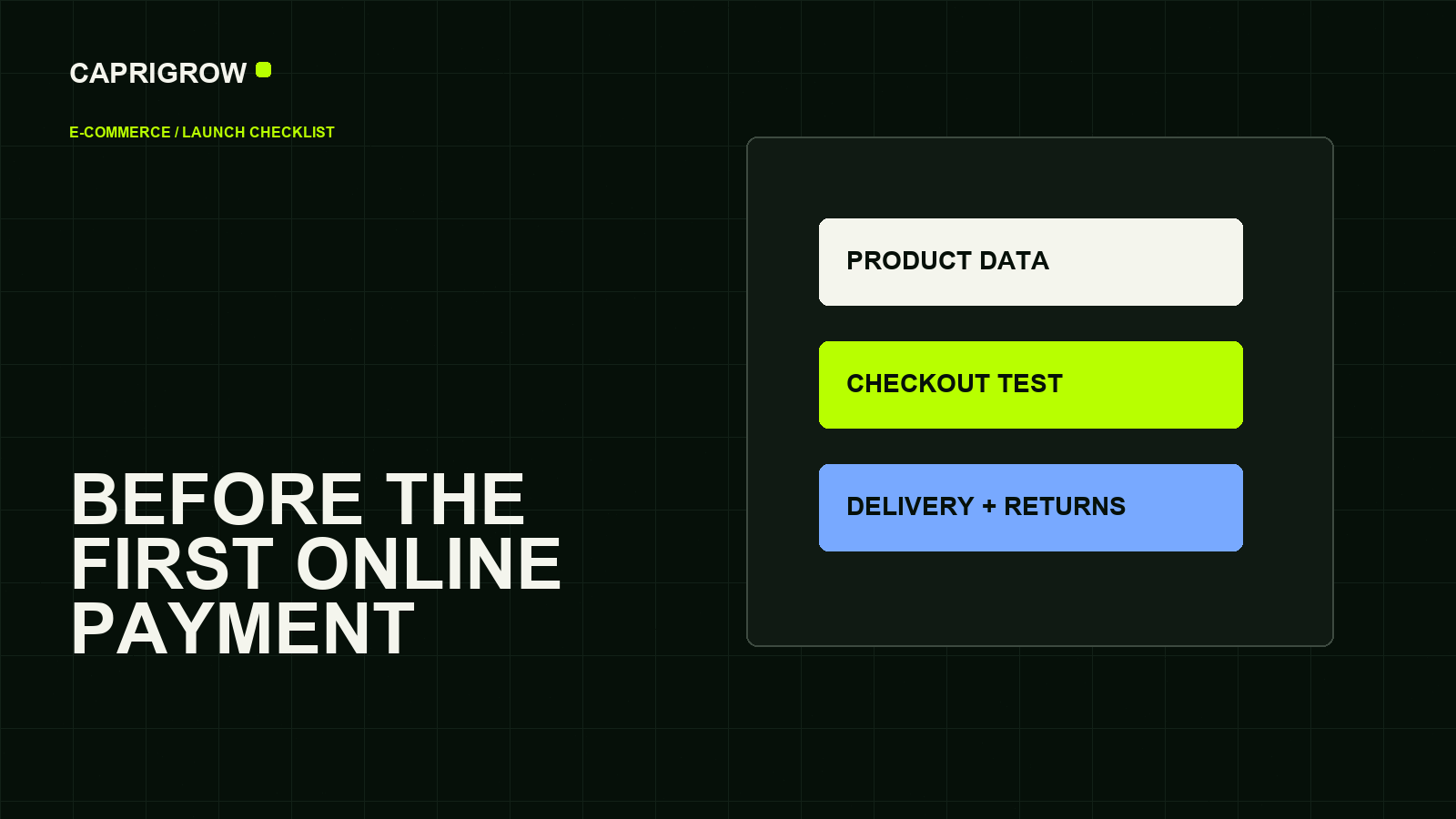
A store launch is ready when a customer can understand the product, pay safely, receive confirmation and know what happens if something goes wrong.
The one-minute checklist
The sale starts before payment and continues after it
- Product data
- Cart and delivery
- Payment
- Confirmation
- Product names, prices, variants and stock are correct.
- Delivery, pickup, returns and refunds are visible before payment.
- Checkout works on mobile and desktop.
- Confirmation emails arrive with useful information.
- Payment, tax and privacy settings are reviewed.
- Analytics records checkout starts and purchases without storing secrets.
Google’s product structured data documentation explains that product data can be provided through structured data, Merchant Center feeds, or both.[1]
Product data is customer service
A product page should answer: what is it, who is it for, what size or variant applies, what does it cost, is it available, how will it arrive and what happens after purchase?
Google Merchant Center’s product data specification lists landing page and image link attributes among required product information, and describes fields such as availability, sale price and condition.[2] Even if a store does not use Merchant Center yet, the discipline is useful.
Test the full customer journey
Do not only test the payment button. Test search, category browsing, product details, cart, discounts, delivery options, payment failure, payment success, confirmation email, admin notification and fulfilment handoff.
Shopify and WooCommerce both provide commerce routes, but the business still owns the content, policies and fulfilment promise. WooCommerce describes its core platform as free and open-source for WordPress commerce.[3]
Prepare the store for discovery
Use clean product titles, useful category pages, descriptive images, availability, price, shipping and return information. Structured data can improve how accurately Google understands ecommerce content.[4]
A store is not ready because it can charge money once. It is ready when customers can buy confidently and the business can fulfil reliably.
What to test with a real order flow
Run at least one test order for each common situation: full-price product, discounted product, out-of-stock product, delivery order, pickup order, failed payment and refund or cancellation process. Check what the customer sees, what the staff receives and what the inventory or fulfilment system records.
Also check the trust material around checkout. Customers need delivery timing, return rules, warranty or exchange terms, contact route and payment confidence before they pay. Product pages should use real images, accurate variants and clear availability. A store with beautiful product cards but vague fulfilment terms creates avoidable anxiety.
Do not accept live payments until the business has tested what happens before, during and after checkout.
References and method
This guide was prepared from the sources below on 14 September 2026. Product interfaces, platform plans and search displays can change, so verify the current source before making a purchase or compliance decision.
- Google Search Central: Product structured data. Product data routes. ←
- Google Merchant Center Help: Product data specification. Merchant product attributes. ←
- WooCommerce: WooCommerce pricing. Core WooCommerce platform positioning. ←
- Google Search Central: Ecommerce structured data. Ecommerce schema relevance. ←
- Shopify: Shopify platform. Hosted commerce platform context. ←