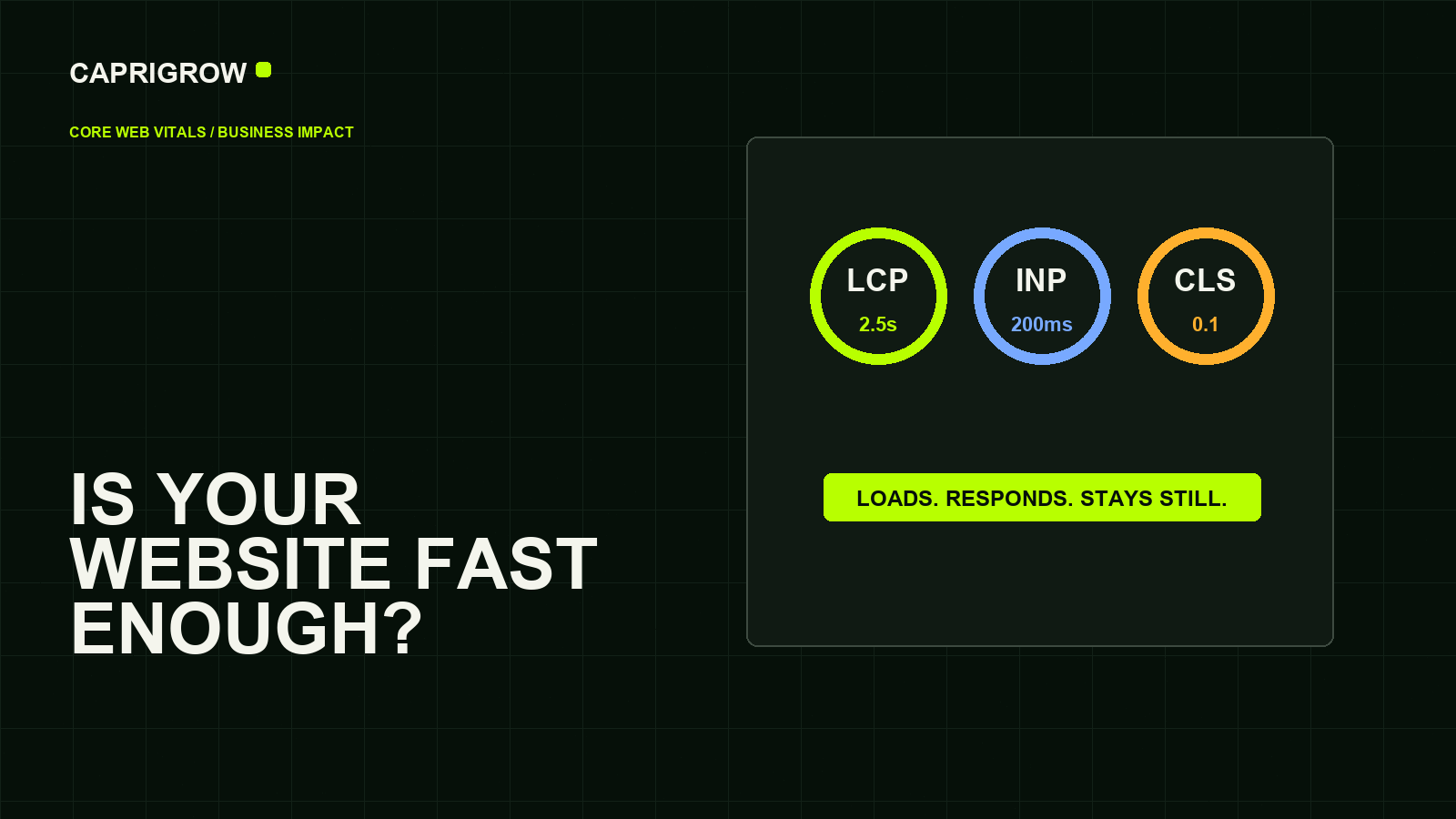
Core Web Vitals are useful because they translate technical performance into human discomfort: waiting, tapping with no response and watching the page jump.
The three numbers in plain English
Fast, responsive and stable
Good target is 2.5 seconds or less.
LoadingGood target is under 200 milliseconds.
InteractionGood target is 0.1 or less.
StabilityLargest Contentful Paint, or LCP, asks how long the main visible content takes to appear. Google’s good threshold is 2.5 seconds or less. Interaction to Next Paint, or INP, asks whether the page responds quickly after a click or tap. Google’s good threshold is under 200 milliseconds. Cumulative Layout Shift, or CLS, asks whether the page jumps while loading. Google’s good threshold is 0.1 or less.[1]
For a business owner, the translation is simpler: can people see the page quickly, use it without waiting and trust that buttons will not move under their finger?
PageSpeed and Search Console show different things
PageSpeed Insights is useful for a snapshot of one URL. Search Console groups similar URLs and reports Core Web Vitals status from Chrome user experience data when enough field data exists.[2]
A perfect lab score does not mean the site is perfect. A weak score does not always mean the whole site is broken. The useful habit is to compare templates: home page, service page, blog article, product page and checkout.
What usually causes poor scores
- Huge hero images or videos without proper sizing.
- Scripts that load before the visitor can use the page.
- Third-party widgets, chat tools and tracking added without review.
- Images, ads or fonts that load without reserved space.
- Old themes and plugins adding code to every page.
Google’s broader Web Vitals guidance frames these metrics around user-centred loading, interactivity and stability.[3]
What to fix first
Start with the pages that make or lose money: homepage, top service pages, product pages, booking pages and checkout. Compress and size media. Remove scripts that do not support a decision. Reserve image and video space. Test on a phone over a normal connection.
Speed work should protect the customer journey. A visually spectacular page that crashes an older phone is not premium; it is fragile.
When speed work is worth paying for
Prioritise pages that customers use to decide or act. A weak blog archive may matter less than a slow service page, booking page, product page or checkout. Ask the supplier to identify the largest visible element, the slowest blocking scripts, the heaviest media files and anything causing layout movement.
The fix should be observable. Images should be resized rather than merely hidden. Video should have a poster, stable dimensions and mobile-appropriate delivery. Scripts should load when needed. Font loading should not push the layout around. After the work, compare before-and-after evidence from the same page type rather than celebrating a single score.
Good performance means visitors can see, tap and trust the page sooner. The score is useful only when it points to that result.
References and method
This guide was prepared from the sources below on 14 September 2026. Product interfaces, platform plans and search displays can change, so verify the current source before making a purchase or compliance decision.
- Google Search Central: Core Web Vitals and Google Search results. Metric meanings and thresholds. ←
- Google Search Console Help: Core Web Vitals report. How Search Console groups URL performance. ←
- web.dev: Web Vitals. User-centred metric definitions. ←
- PageSpeed Insights: PageSpeed web tool. URL-level performance checks. ←
- Google Search Central: SEO Starter Guide. Build useful search-friendly pages. ←