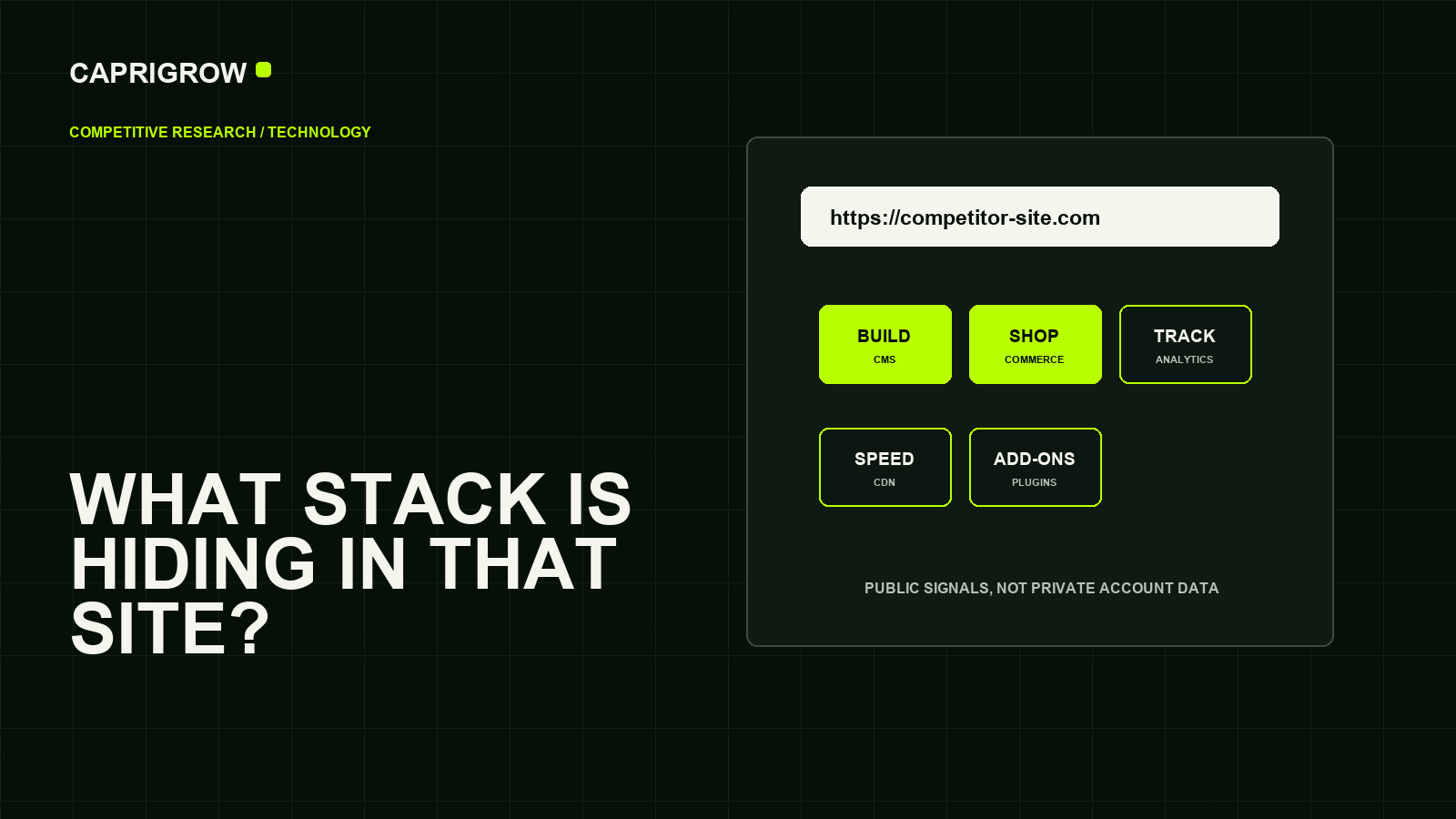
A technology scan is useful when it turns curiosity into decisions: what to match, what to avoid and what to ask your own supplier.
What can often be detected
A scan can identify clues, not the whole business
What the public page appears to run on.
Useful clueVisible scripts and public assets.
Partial viewInfrastructure signals exposed to visitors.
May be hiddenA scan may find a content system, ecommerce platform, page builder, public plugins, analytics tags, marketing pixels, tag managers, payment clues, CDN, fonts, JavaScript libraries and server hints.
Tools such as Wappalyzer describe themselves as technology profilers for CMS, frameworks, ecommerce platforms, JavaScript libraries, analytics, marketing tools, payment processors, CRM and CDN signals.[1] W3Techs also identifies technologies such as CMS, programming language, web server and hosting provider for websites.[2]
What a public scan cannot prove
It cannot see private workflows, supplier quality, internal CRM data, true hosting contract, advertising budget, conversion rate or whether the site is profitable. It may also miss hidden tools or misread signals left behind by old code.
Treat the scan as evidence for questions, not as a final verdict.
How a business owner should use the result
- If several competitors use booking tools, ask whether customers expect online booking.
- If a competitor uses Shopify or WooCommerce, check whether products and checkout are central to their business.
- If many tags load, ask whether analytics are intentional or clutter.
- If WordPress plugins are visible, ask who maintains updates and security.
- If the site uses a CDN, ask whether speed and reliability are part of the hosting plan.
WooCommerce, for example, describes itself as an open-source commerce platform for WordPress.[3] That tells you the store route, not whether the store is well run.
A fair competitor comparison
Compare by business function. Does the competitor have easier booking? Better product filtering? Clearer reviews? Faster pages? Richer service pages? Technology matters only when it changes what customers can do.
A competitor using more tools is not automatically ahead. Sometimes the leaner website is faster, clearer and easier to maintain.
Turn the scan into a business comparison
After recording the public stack, look at the customer experience. If a competitor uses Shopify, inspect product filtering, delivery information and checkout clarity. If a competitor uses WordPress with visible booking or form plugins, inspect how easy the enquiry path feels. If many analytics and marketing tags appear, ask whether their landing pages are more segmented than yours.
The strongest insight is usually not the tool name. It is the business capability the tool enables: faster publishing, smoother checkout, better appointment booking, clearer tracking or stronger page speed. A competitor can use an impressive stack badly. A small business can use a simpler stack well if the customer journey is clearer.
Public technology detection is a clue layer. Use it to decide what to investigate, not to claim secret knowledge.
References and method
This guide was prepared from the sources below on 14 September 2026. Product interfaces, platform plans and search displays can change, so verify the current source before making a purchase or compliance decision.
- Wappalyzer: Technology Profiler listing. Public technology categories. ←
- W3Techs: Site Info. Website technology lookup categories. ←
- WooCommerce: WooCommerce platform. WooCommerce platform description. ←
- WordPress.org: Documentation. WordPress public site system. ←
- Google Tag Manager Help: Introduction to Tag Manager. Tags and measurement management. ←